
Your #1 partner in event success
We put event management on auto-pilot, so you can focus on creating unforgettable experiences
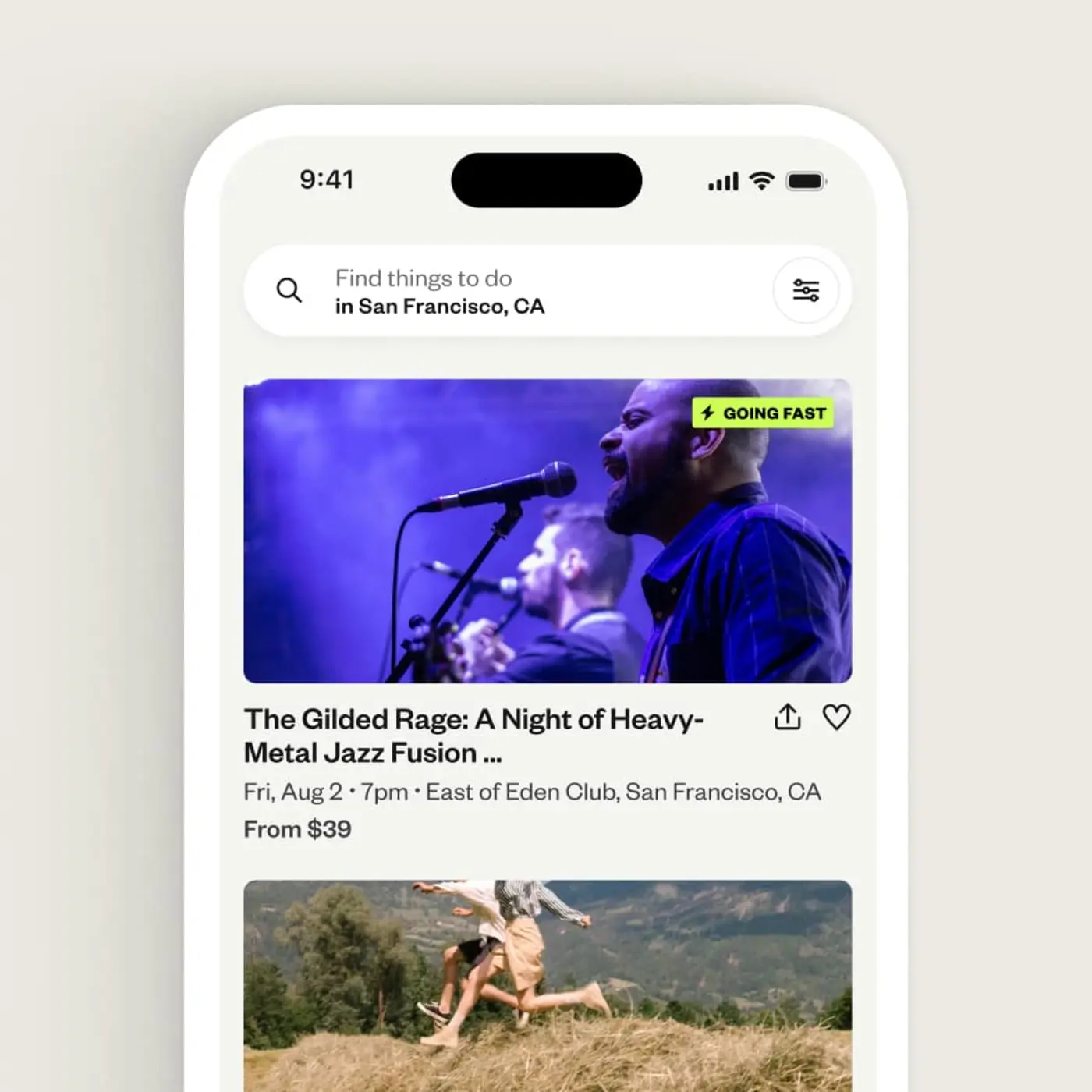
Get discovered
Eventbrite’s powerful discovery marketplace connects local ticket-buyers to your events. And, with our built-in marketing suite powered by exclusive event data, you can effectively promote your events without leaving Eventbrite.
- Visibility on Eventbrite’s marketplace
- Eventbrite Ads*
- Email campaigns
- Facebook and Instagram ad tools
- Promo codes
- Smart audiences
- Data insights and reporting
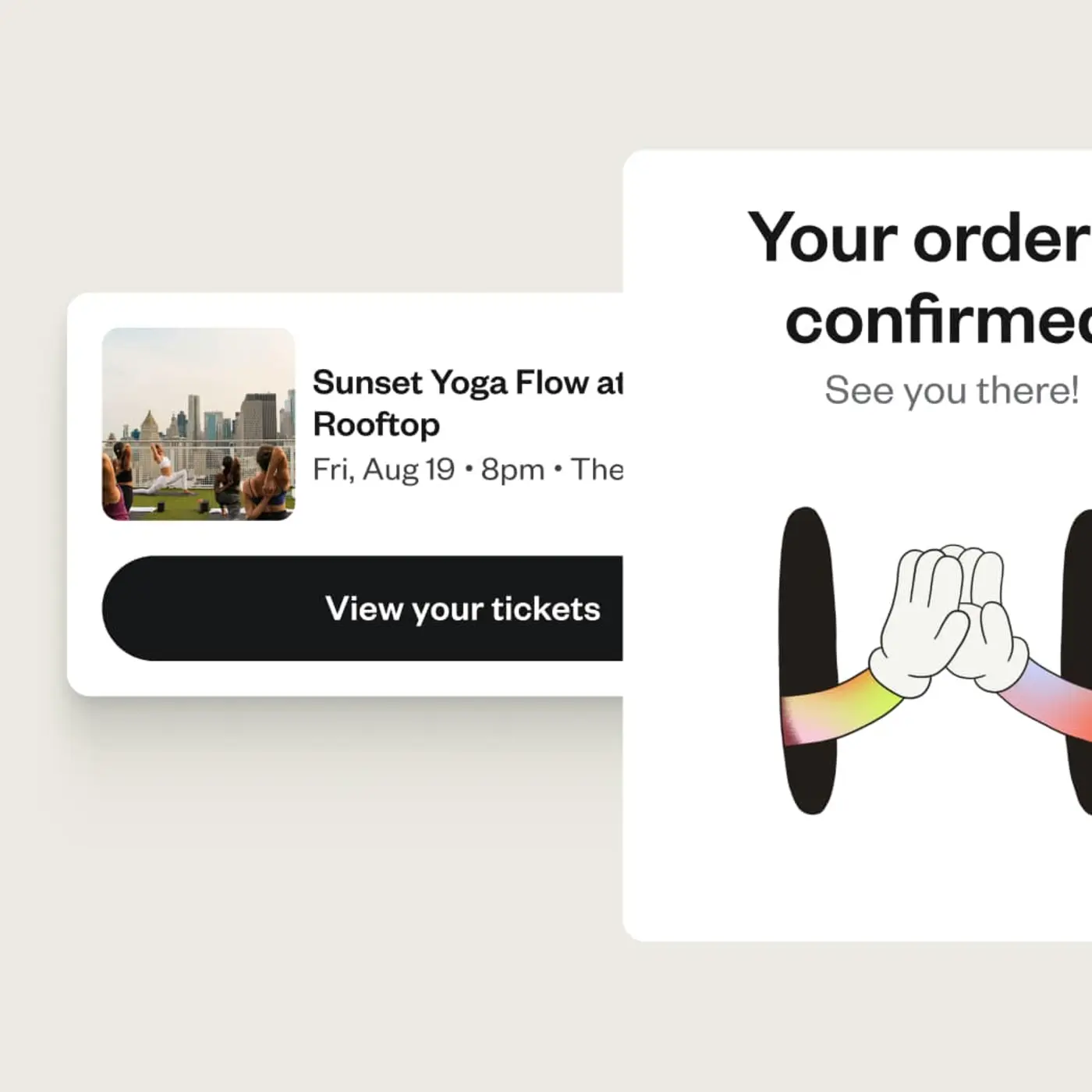
Fast-track ticket sales
Our best-in-class ticketing tools make it easy to set up your events and get paid fast. With flexible payment options and streamlined checkout, your attendees can buy with confidence.
- Custom pages and multiple ticket types
- AI event creation
- Secure payment processing
- Pre-event payouts
- Embedded checkout
- Custom registration forms
- Sell add-ons
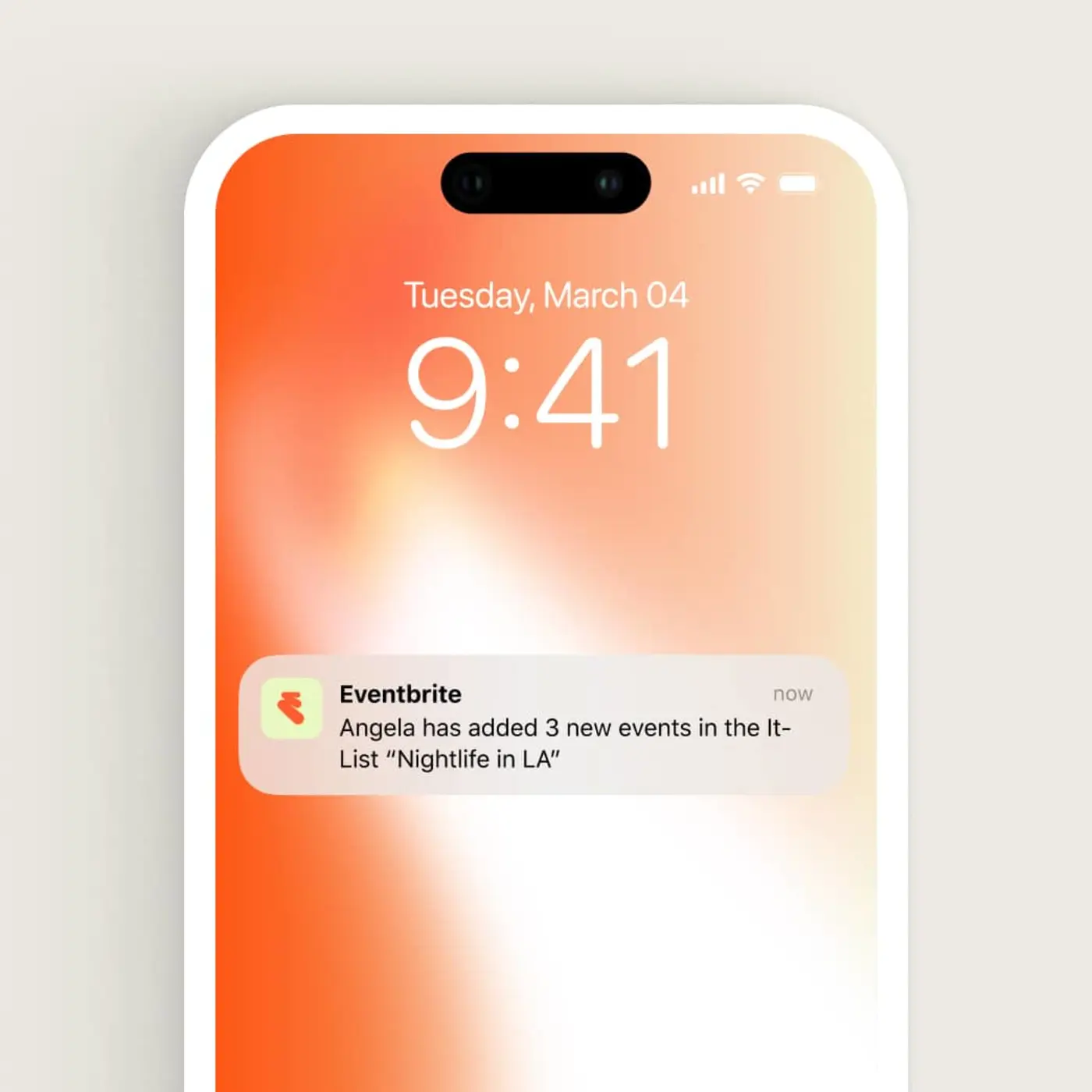
Engage attendees
Make event day and beyond a breeze with on-the-go check-in tools and attendee marketing automations, so your event shines from start to finish, plus event support when you need it.
- Automated event reminders
- Organizer app
- Mobile check-in
- Waitlists
- Help center
- Email support
- 24/7 chat support for paid events
*Eventbrite Ads is only available in select markets. Ad spend for advertising tools not included.
Meet the rising demand
With improved personalization, it’s now easier than ever for people to find and buy tickets to events they’ll love.
Eventbrite helped transact
270M
Total tickets
In a global community of
89M
Monthly users
To over
4.7M
Events
Free for you, low fees for attendees on paid tickets
Our pricing is simple. Fees are paid by ticket buyers by default, or you can choose to cover them when setting up your ticket types.
No fees for free events
Publish unlimited free events at no cost.
3.7% + $1.79 service fee per ticket
Applies to paid tickets only.
2.9% payment processing fee per order
Secure payment handling for every purchase.
Hosting a large event?
Grow your events with our expert team by your side
With Eventbrite, you can:
- Unlock winning strategies with a Strategic Advisor
- Expand your reach with exclusive Eventbrite-sponsored marketing
- Get priority access to phone and 24/7 chat support
Add what you need
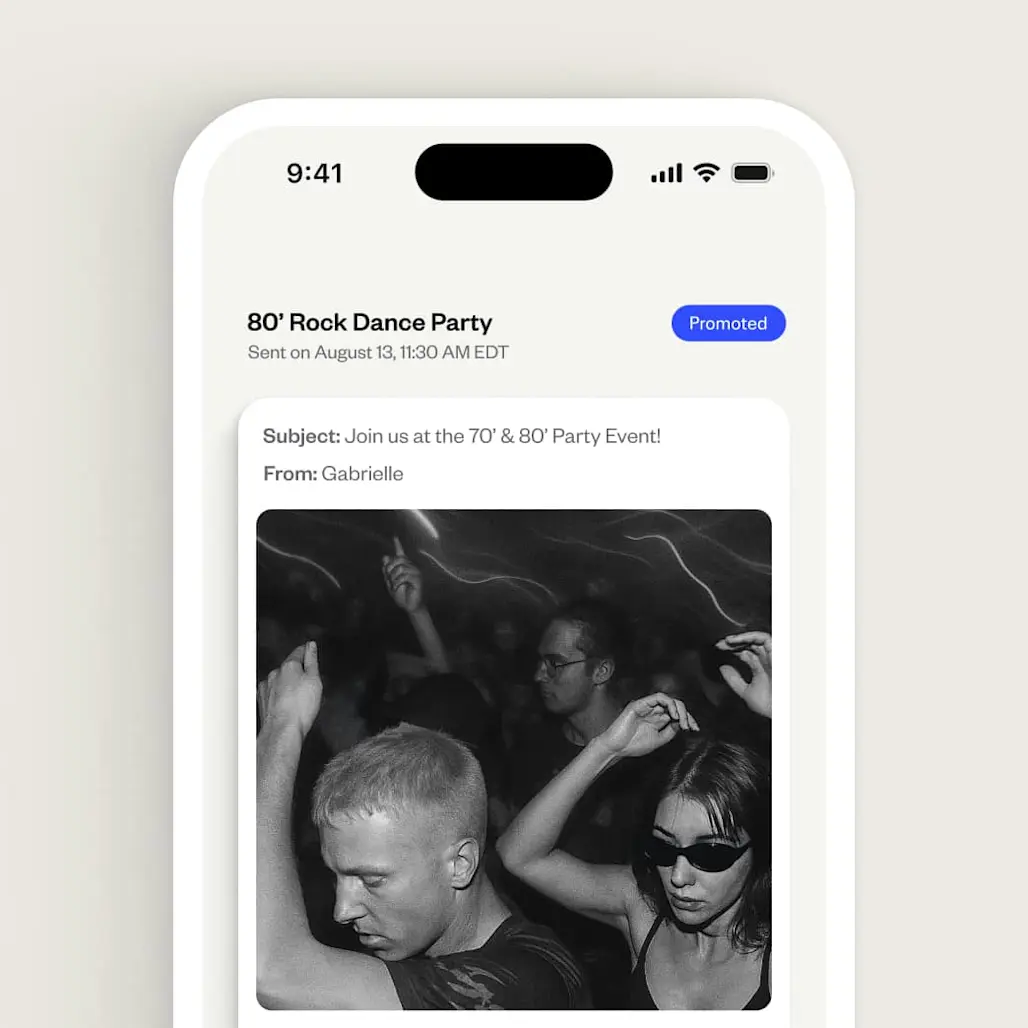
Send more emails
Save on marketing costs with Eventbrite Pro and send up to 10,000 emails daily. Starting at CAN $21/month
Eventbrite Ads
Increase your event's visibility with sponsored placements on top spots across Eventbrite
Choose the plan that grows with your event
We offer flexible plans designed to support event organizers at every stage.
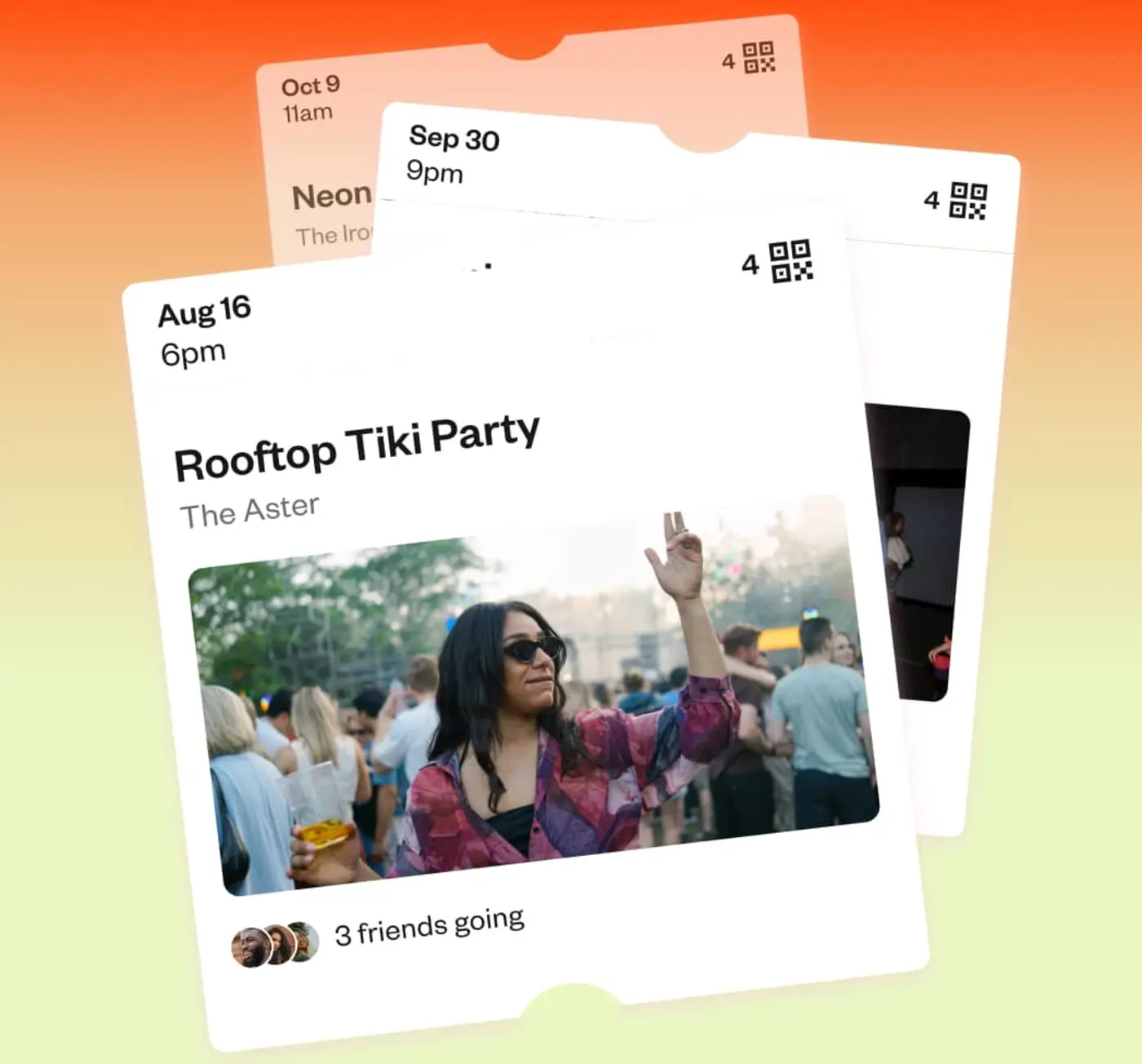
For organizers worldwide
Our pricing plans are available in the United States, Canada, Australia, New Zealand, the United Kingdom and Ireland.

Pro plan
Our Pro plan is built to help you reach more people, faster.

Sales partnership
Custom solutions for complex or high-volume events.
Hear what our organizers are saying
The conversion rate on Eventbrite was 20% better than other ticketing platforms...plus the automated emails generate a lot of new sales each time we post a new event.
 Seed Talks
We rely on Eventbrite for its discoverability and we're gaining followers. I can't think of an event where it wouldn't make sense to be using Eventbrite's marketing tools.
 Something Dope for the People
Partner with Eventbrite
 | eTix | See Tickets | Dice | Universe | |
|---|---|---|---|---|---|
Consumer audience reach1 | 90M | 20M | 15M | 10M | 5M |
AI-powered tools |  |  | | | |
Email and social media ad tools with smart audiences | | | | | |
Advertise to ticket buyers on the platform | | | | | |
Self-service + Create an event in seconds | | | | | |
eTix
See Tickets
Dice
Universe
eTix
See Tickets
Dice
Universe
eTix
See Tickets
Dice
Universe
eTix
See Tickets
Dice
Universe
eTix
See Tickets
Dice
Universe
Frequently Asked Questions
Where event organizers grow
Discover the all-in-one ticketing and discovery platform trusted by millions of organizers and attendees worldwide.